Clocking In and Out
1 min read
Employees can clock in and out in various ways depending on your system setup, licensing, and hardware.
Biometric options
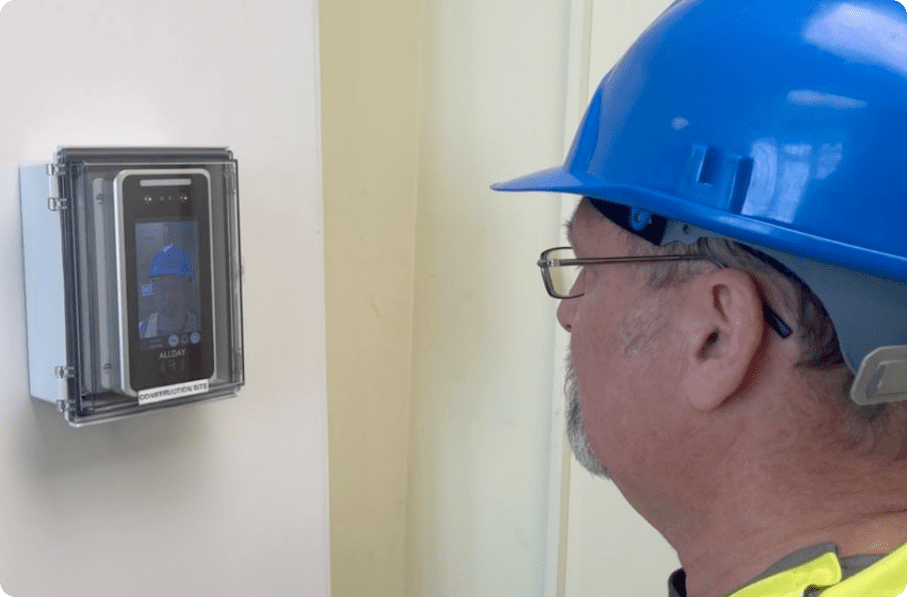
Face recognition
This is our most commonly used biometric.
To use any of our face readers to clock in or out, simply present your face to the unit. The screen will show your face and identify you, clock you in or out, and confirm this has been successful by showing your name and ID and also a spoken confirmation.
Some systems may require the screen of the unit to be touched to wake it up depending on local preference, so simply tap the screen if it is blank, and it should wake up, allowing you to then clock in or out.
Fingerprint readers
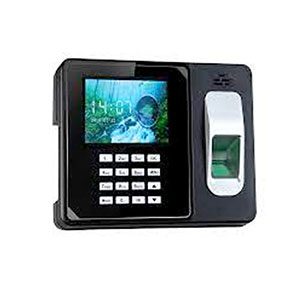
These are also common, and to use any of our fingerprint readers, simply place a clean, registered finger on the reader. The unit should, within a second, identify you and clock you in or out.
Note: Excessively dirty or damaged fingerprints may not work; therefore, it is advised, if this is likely to happen, that your employees register more than one fingerprint on the attendance unit as a backup.
Also, if employees have just washed hands with a degreasing detergent, the fingers may be too dry to be read, but a simple act of wiping the finger on your forehead should add enough moisture to allow it to be read.
Palm Reading
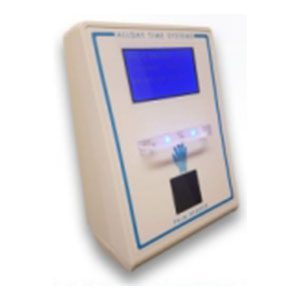
Palm reading is available within several of our attendance devices. This is a less intrusive biometric and reads the internal vein structure of the palm of the hand and is often preferred to facial or fingerprint recognition where there are objections of privacy.
To use the palm, simply spread the fingers as wide as is comfortable and show the flat palm to the reader; no contact is necessary.
RFID cards or fobs
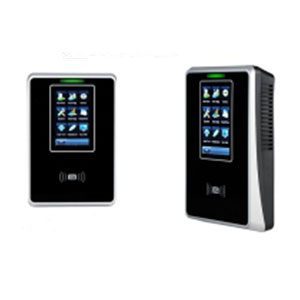
Credit card-sized cards or key fobs can be issued to your employees, especially if there is an objection to the use of biometrics.
To use these, simply show them within a few cm of the attendance device reader.
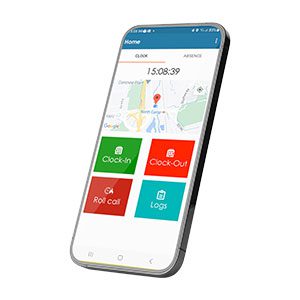
Mobile app
If your system has a license to run the mobile app, your employees can download and install our app, and when they need to, they can use it to clock in or out by logging in and selecting the appropriate button. This will also geolocate the event so managers can identify the location the In or Out occurred. Further details to be found here.